Showing posts with label Apps. Show all posts
Wednesday, June 12, 2013

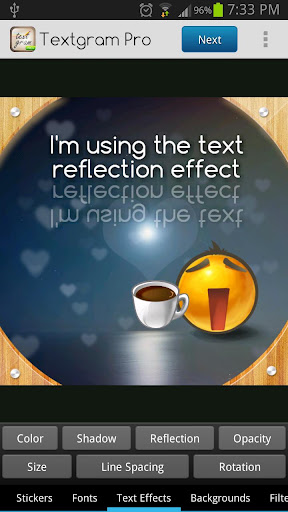
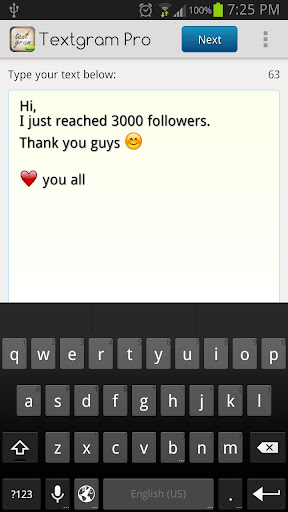
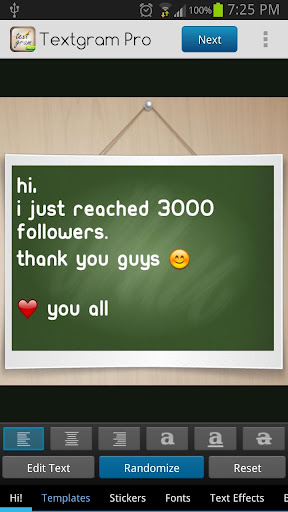
Create beautiful graffitis and share them!


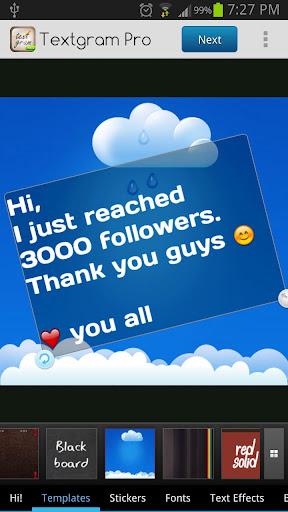
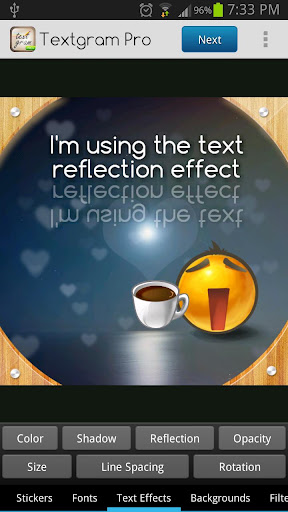
Textgram Pro v2.1.3 play.google.com.textgrampro
Create beautiful graffitis and share them with your friends on Instagram, Facebook, Twitter, Whtatsapp, Viber, Skype, SMS, MMS, EMail and More..
Pro Features:
  • Text Rotation
  • Frames
  • No Ads
What's in this version : (Updated : Jun 10, 2013)
  • Improvements on importing images from the gallery
  • Updated Arabic translation - تحديث الترجمة العربية
  • Updated SDKs
  • 3D Animations added to the randomize button and the store
  • Redesigned the about page
Required Android O/S : 2.1+
Screenshots :


Download : 13Mb APK

If you like this please Link Back to this article...


UNIQUE ROOT APPLICATION AND ALSO GREAT FOR USING WITH RAM MANAGER!


Root Cleaner play.google.com.RootCleaner
Simple and effective application which a lot increases your peformance by cleaning your system. You can choose between quick cleaning and full cleaning. Quick cleaning clears your memory, file cache, etc. and you can do that without reboot.
Full cleaning requires reboot, but it makes really total maintenance of your system. Full cleaning is also great when you want to flash other ROM or kernel, so it will clean your device to prevent any problem. Application is also great application manager, you can uninstall, clear data and freeze or unfreeze your system and non-system applications.

Features:
Quick cleaning
  • Clearing memory (Optional)
  • Clearing file cache
  • Restarting UI (Optional)
  • Deleting useless folders from SD card (Optional)
Full cleaning
  • Wiping cache
  • Wiping dalvik cache
  • Battery calibration (Optional)
  • Deleting useless files from init.d folder
  • Fixing permissions
  • Deleting useless folders from SD card (Optional)
App manager (system and non-system apps)
  • Uninstalling
  • Clearing data
  • Freezing
  • Unfreezing
What's in this version : (Updated : Jun 11, 2013)
  • Fixed all bugs
  • Improved feature clean empty folders
  • Added feature clean useless folders
  • Added feature clean useless files
  • Added feature clean leftovers
Required Android O/S : 2.1+
Screenshots :

 
Download : 666Kb APK
 

If you like this please Link Back to this article...


Saturday, June 8, 2013

Download APK & Install it to Remove Ads from your Rooted device

Android being an Open Source Operating System, provides users with a large variety of apps that they can get free of cost. The Google Play store has over a Million apps that can be downloaded for free or bought. With such a large vast diversity of apps available it is often difficult for the developers to develop free apps and still be in the competition. Most of these developers use ads in their apps to gain some money. Most of the developers use ads which aren’t annoying and are displayed at the edge of the screen. However a few create very annoying advertisement banners that are often annoying and limit the functionality of the app or even more spread malicious spyware.

However, Android provides us with options to prevent and protect our Smartphones with such types of apps that can cause potential harm or display annoying ads on your device. One of the easiest way to do so is via the app called AdAway. AdAway is an app that can block advertisements from not only Android apps but also from your browser on your smartphone. AdAway updates your host files in your system partition thus blocking the well known ad providers. The List is updated on a regular basis and dispatched OTA via the app.

AdAway is an app for Rooted Users ONLY. Root access is required by this app to gain privileges to write on to the system partition. Thus for using this app you are required to root your device. Using the app is extremely easy.  The app was recently removed from Google Play store and hence it cannot be installed from there. Follow these steps to

  • Step 1: Keep your Android device handy.
  • Step 2: Download AdAway APK file.
  • Step 3: Transfer the APK file to external storage on the device.
  • Step 4: Go to System Settings > Security > Tick Unknown Sources.
  • Step 5: Install the app and Run the app and provide it with root permissions when the prompt asks.
  • Step 6: Click the option “Download Files and apply ad blocking” and then let the app do it’s work.
  • Step 7: Restart the phone when asked to do so.
  • Step 8: Update the host files via the app once in a week to keep blocking ads!

Screenshots:


If you like this please Link Back to this article...


Friday, June 7, 2013

Turn your device into a beautiful weather station!


Weather Live play.google.com.weatherlive
Introducing Weather Live. The most beautiful weather app. Ever.

Don't let bad weather take you by surprise! Whether it is cloudy, rainy, snowy or even stormy outside, Weather Live will provide you with current weather conditions and forecast in your city and multiple locations all around the world.

Cold or warm weather, it will magically come alive on the crisp screen of your device. You won’t even have to look out the window as Weather Live will make you feel like you are already outside! With an innovative technology Weather Live implemented into the app, we made it possible!

Features:
  • Weather forecasts for multiple locations all around the world
  • Live weather scenes reflecting real-time weather conditions
  • Local time in 12 or 24-hour format
  • Customizable layout: all weather details, short-term forecast, long-term forecast, current state only, text only
  • 7-day and 24-hour weather forecast
  • "Feels Like" temperature. Today’s Min and Max
  • Wind direction and speed. Visibility details
  • Humidity and precipitation information. Pressure in inches, mm or mbar
  • Fahrenheit or Celsius and Miles or Kilometers
  • Easy navigation between cities: swipe either to the left or to the right to switch between locations
Get Weather Live and be prepared for any weather!

What's in this version : (Updated : Jun 5, 2013)
  • Weather for the first location on your list shown in status bar and notification panel
  • Performance and stability improvements
Required Android O/S : 2.3.3+
Screenshots :


Download : 24Mb APK

If you like this please Link Back to this article...


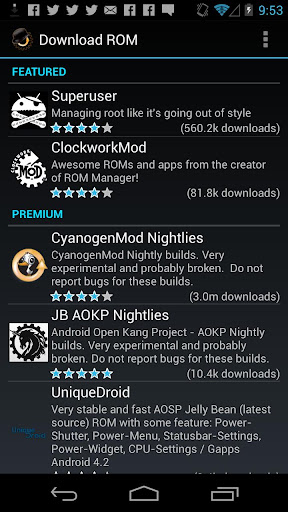
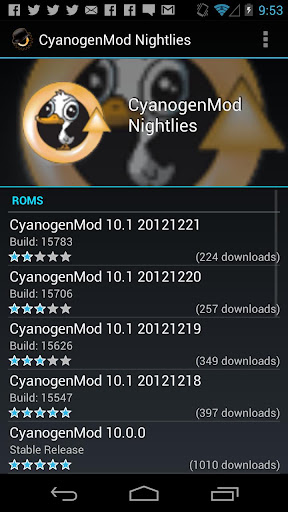
Must have app for any root user. Make backups, flash ROMs, and own your device!


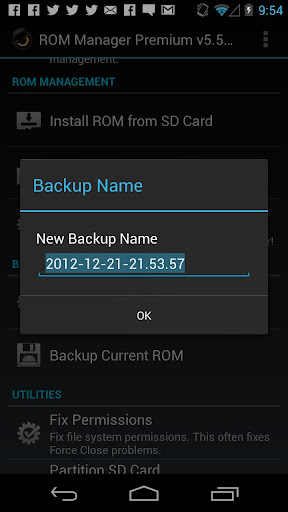
ROM Manager Premium play.google.com.rommanager
Must have app for any root user. Make backups, flash ROMs, and own your device.
ROM Manager is THE MUST HAVE APP for any Android root user. (Over 3 million downloads and counting!)

Features:
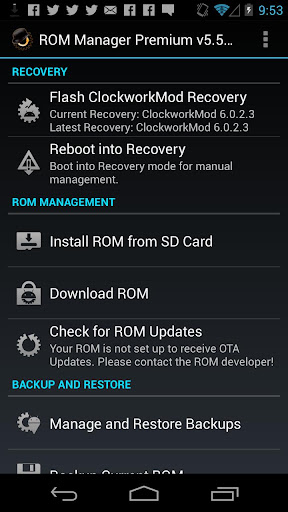
  • Flash your recovery to the latest and greatest ClockworkMod recovery.
  • Manage your ROMs via a handy UI.
  • Organize and perform backups and restores from within Android!
  • Install ROMs from your SD card.
  • Install your favorite ROMs over the air!
Premium Version:
  • Premium ROMs
  • Receive notifications for when your ROM is updated!
  • Automatic backups
  • Install from QR Code
  • Web Connect
  • Support
Do you prefer using only recovery manually? Check out the Touch Recovery in app purchase, for the most advanced recovery available!

What's in this version : (Updated : Jun 6, 2013)
  • Revamp install from SDCard. Add support for Loki patch.
Required Android O/S : 2.2+
Screenshots :


Download : 3.3Mb APK

If you like this please Link Back to this article...


Wednesday, May 29, 2013

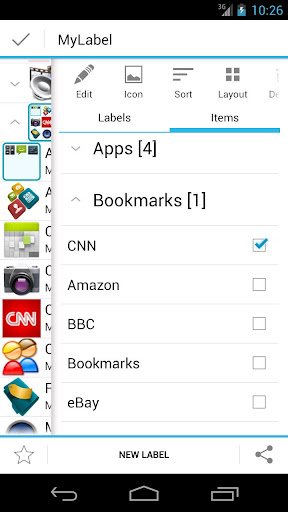
Group items according to labels and create fully customizable folders and widgets!


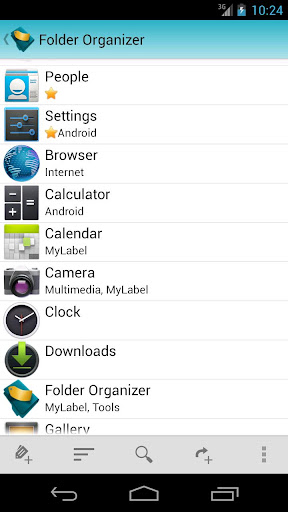
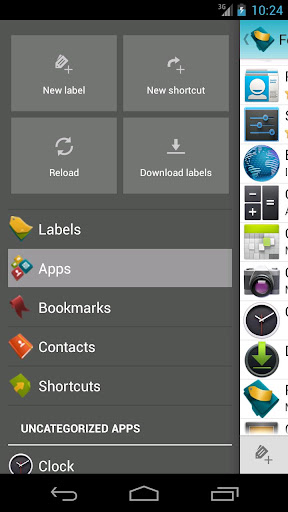
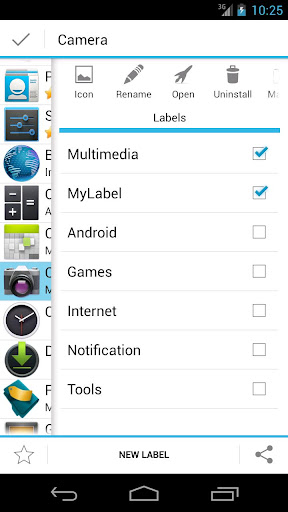
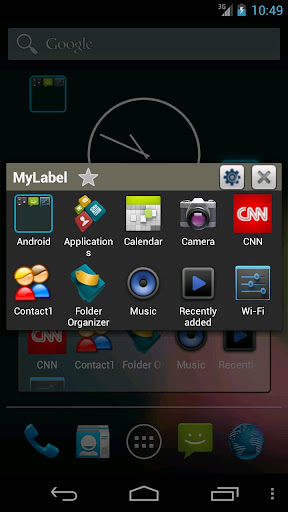
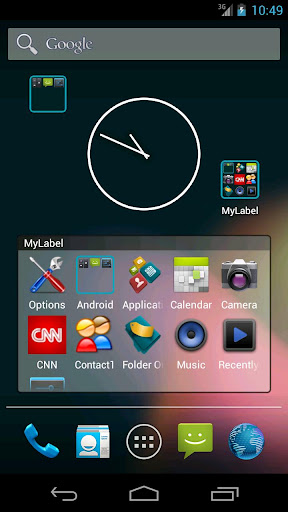
Folder Organizer play.google.com.abcOrganizer
Group items according to labels and create fully customizable folders and widgets. You can organize apps, bookmarks, contacts and shortcuts
  • Change folder icon, icon pack support
  • Sort folder items any way you like
  • Make app shortcuts with custom icons and names
  • IconFinder support: search for new icons on the web
  • Put items in notification bar
  • Scrollable widgets
Tutorials are available in official site www.folderorganizer.net

Folder Organizer can't be moved to sd card because it contains widgets (see Android documentation for details).

What's in this version : (Updated : May 24, 2013)
  • Apply all for icon packs
  • Fixed change icon dialog issue
Required Android O/S : 2.1+
Screenshots :


Download : 2.8Mb APK

If you like this please Link Back to this article...


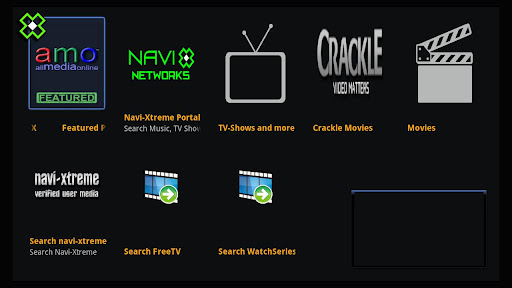
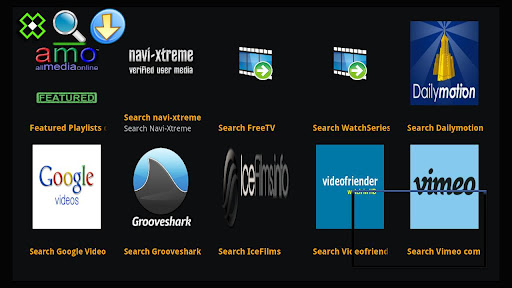
amo Navi-X is an Android application based on the Navi-X Media Browser which is a "content aggregator" that provides access to all kinds of multimedia content on the internet!


amo Navi-X play.google.com.amo.navix
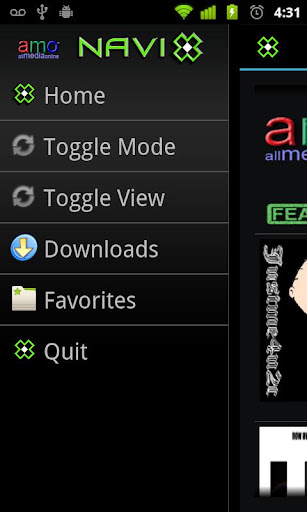
amo Navi-X is an Android application based on the Navi-X Media Browser which is a "content aggregator" that provides access to all kinds of multimedia content on the internet, listed on a public directory of user contributed listings or playlists for playback right NOW on your Android device!

Features:
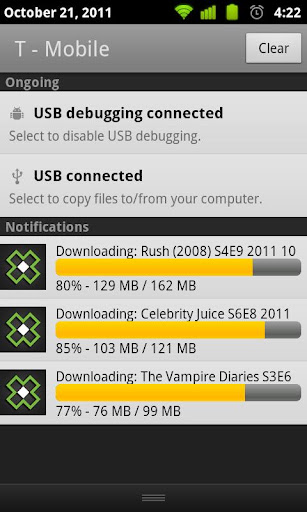
  • Download unlimited items in download mode to your phone or tablet.
  • Stream unlimited items in streaming mode.
Long-press an item to see details like the description. Single-press an item to live stream the item, initiate a download, or proceed to another playlist. Use Menu-toggle to switch modes from Live-Streaming to Download mode.

We recommend the VPlayer, RockPlayer Lite or Mobo to handle most video formats you may encounter inside amo Navi-X on Android.

Navi-X is also a popular addon for XBMC and Boxee, popular and free media center applications available on Windows, Mac, Linux, Apple TV (ATV1, ATV2) and the original Xbox (modified). If you are looking for our other optimized for Google TV version, please search amo.navix.gtv here or check our other apps to the left.

What's in this version : (Updated : May 10, 2013)
  • New sources added.
  • Various improvements.
Required Android O/S : 2.1+
Screenshots :


Download : 1.4Mb APK

If you like this please Link Back to this article...


Get the Most Out of Your PC. More Powerful, More Useful, More Fun!
Blog Archive

Total Pageviews

Labels

Apps Games Themes
Powered by Blogger.